Excel automation for AI agents
Put your agent inside the Excel workflow your team already uses. Panes gives it a Windows computer with desktop execution, file transfer and a viewer for people to watch or take over.
Keep the model. Finish the close.
The real task starts with an existing workbook: tables, formulas, queries, prior periods and review notes. In our public example, an agent carries September into October, imports new ledger exports, resolves an unmapped warranty account and updates the financial statements in actual Excel.
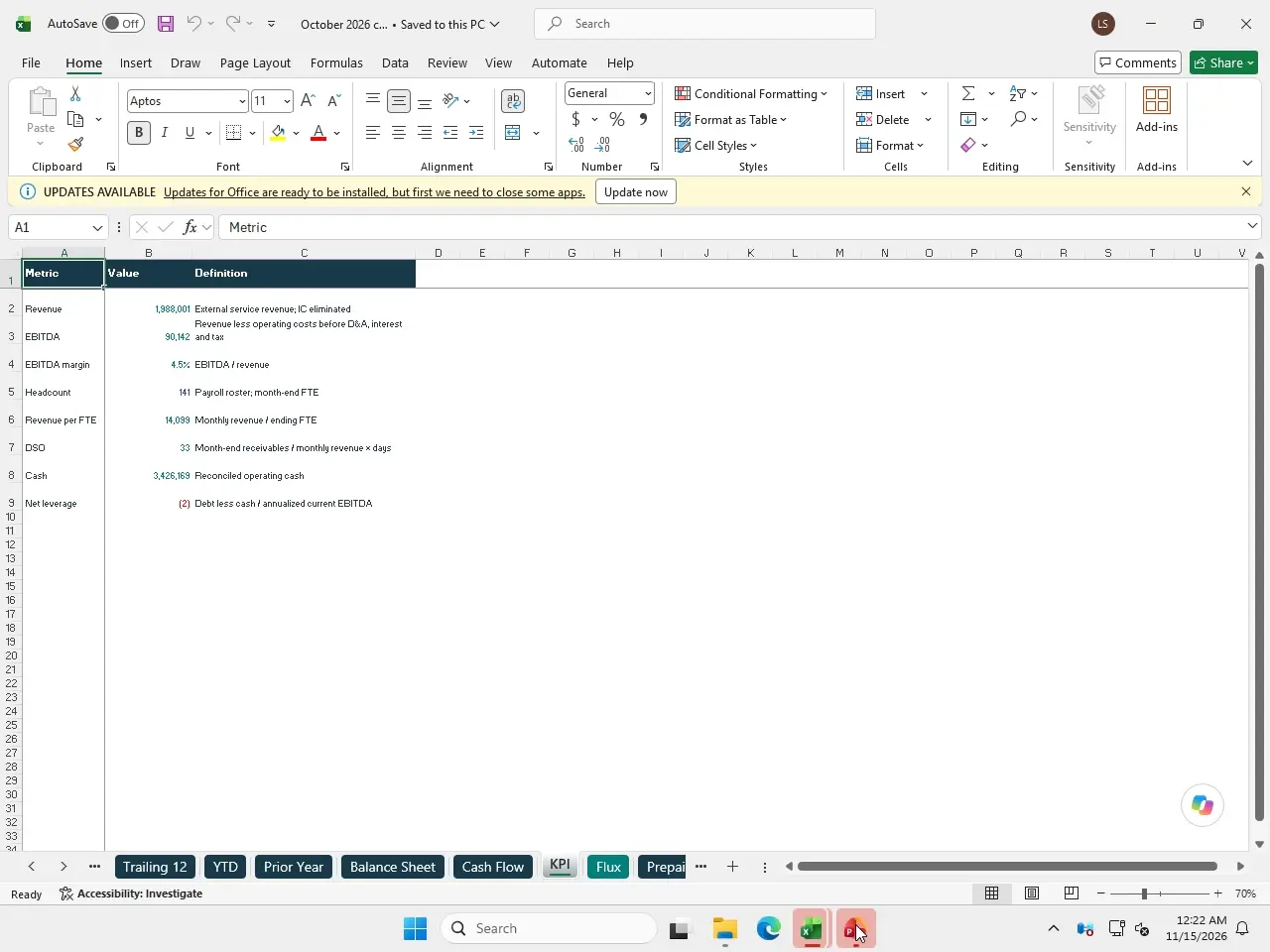
Refresh in the actual app
Use the Excel desktop object model and UI where the workbook needs them. Verify source rows, calculations and saved outputs after a refresh.
Preserve the team’s workbook
Keep closed periods, names and tables intact. Save a new working copy and check exceptions before replacing a deliverable.
Make the result reviewable
Return the editable workbook with reconciliations and screenshots. Let a reviewer step into the same desktop when a decision or dialog needs attention.
Set up the Office steps.
Choose the Office-installed template in the machine setup guide, sign in to Office on your kept computer, and connect through MCP, Python, TypeScript or HTTP. Your agent can run elsewhere and control the Windows computer through Panes.
Panes compute is prepaid and priced by size. See current sizes and pricing.