PowerPoint automation for AI agents
Give your agent the existing management deck, the verified analysis and a real Windows desktop. Panes lets it work in PowerPoint, inspect the slides and return a presentation your team can keep editing.
Continue the deck. Keep the charts editable.
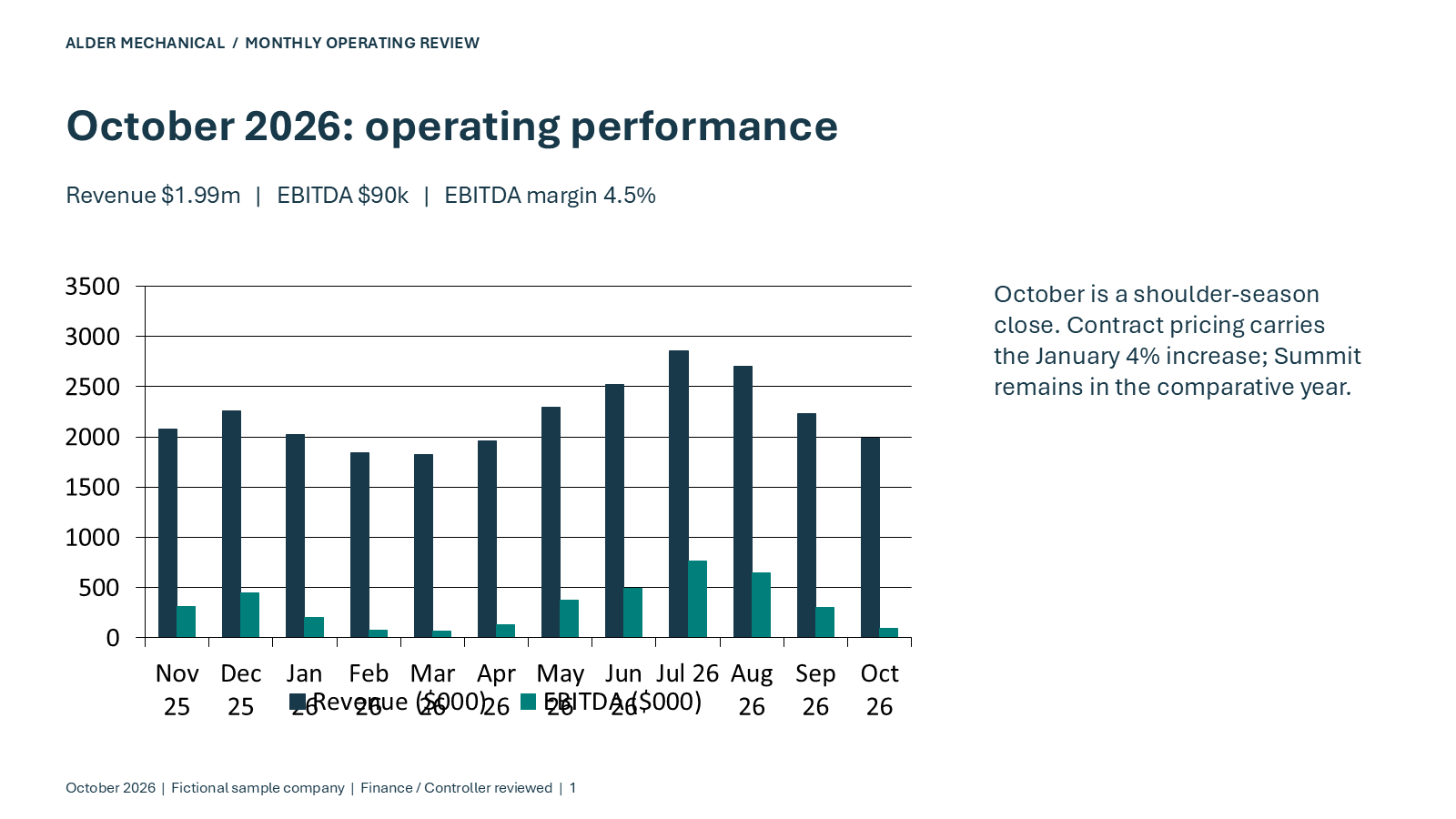
A management presentation has a reporting history and a team’s conventions. Our public close workflow starts from September’s six-slide deck and updates it for October in PowerPoint. The result keeps native charts with embedded data and no external links.
Work across Excel and PowerPoint
Carry verified analysis from the close model into chart data, financial tables and commentary on the same computer.
Check the data and the slides
Inspect series values and embedded workbooks, then review exported slides for labels, dates, units and wrapping.
Deliver an editable presentation
Return the PPTX, preview images and validation. People can watch or take over through a browser viewer while the agent works.
Set up the Office steps.
Choose the Office-installed template in the machine setup guide, sign in to Office on your kept computer, and connect through MCP, Python, TypeScript or HTTP. Your agent can run elsewhere and control the Windows computer through Panes.
Panes compute is prepaid and priced by size. See current sizes and pricing.